 stitchpetal
A little help along the way
Turn a photo into a cross stitch pattern
Choose a clear photo, compare stitch counts and color limits, and make your first editable cross stitch chart.
Start with a clear subject
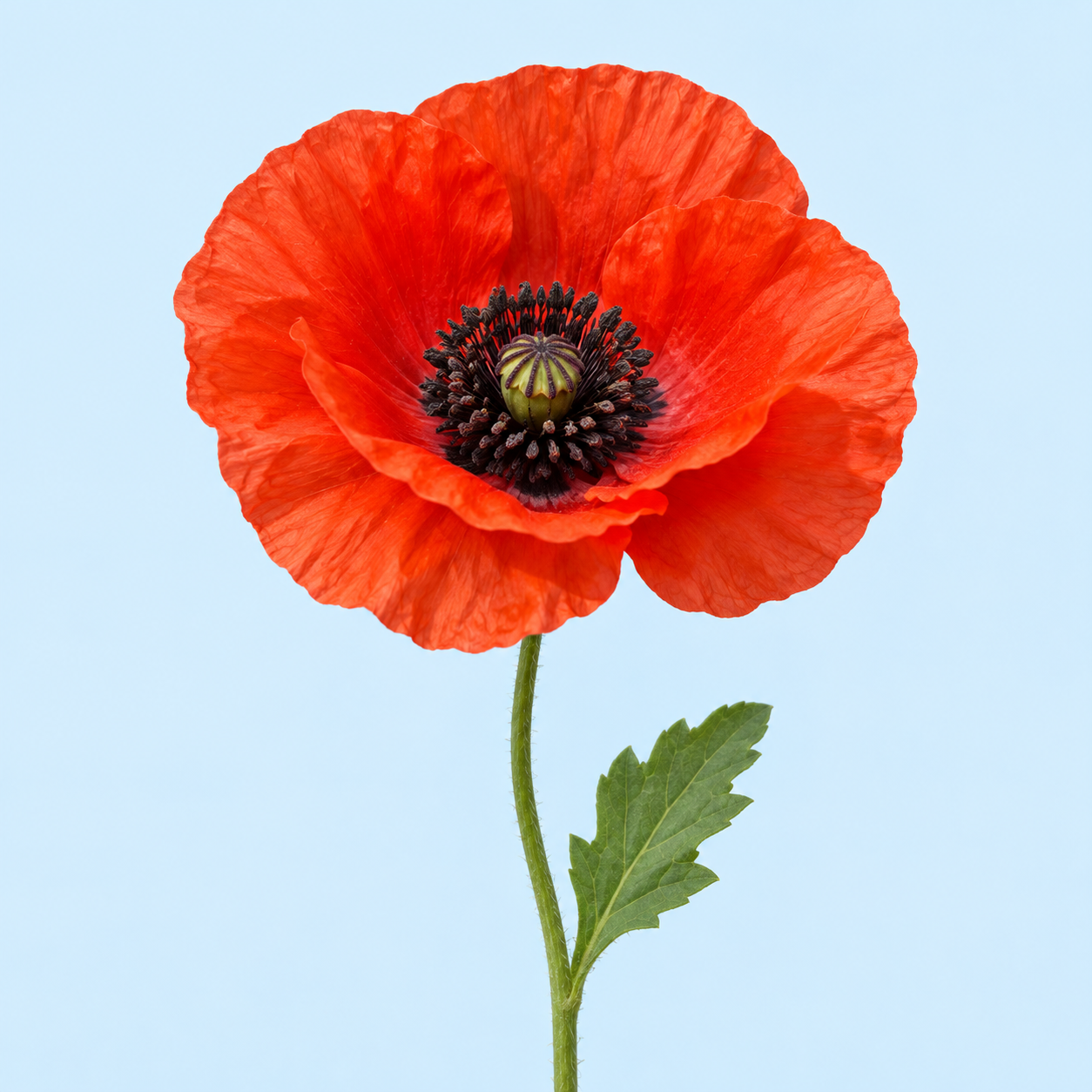
Choose a JPEG or PNG with a subject you can recognize at a small size. A close-up flower, pet face or simple object is easier to work with than a wide scene. Crop away distractions before you increase the number of stitches.
Compare size and color count together
These are actual outputs from the converter, using the same sample image. The smaller chart uses 8 colors; the larger chart uses 17. Both use the full image, a white fabric background and no dithering. The reduced colors are matched to the closest DMC reference colors using perceptual color distance.
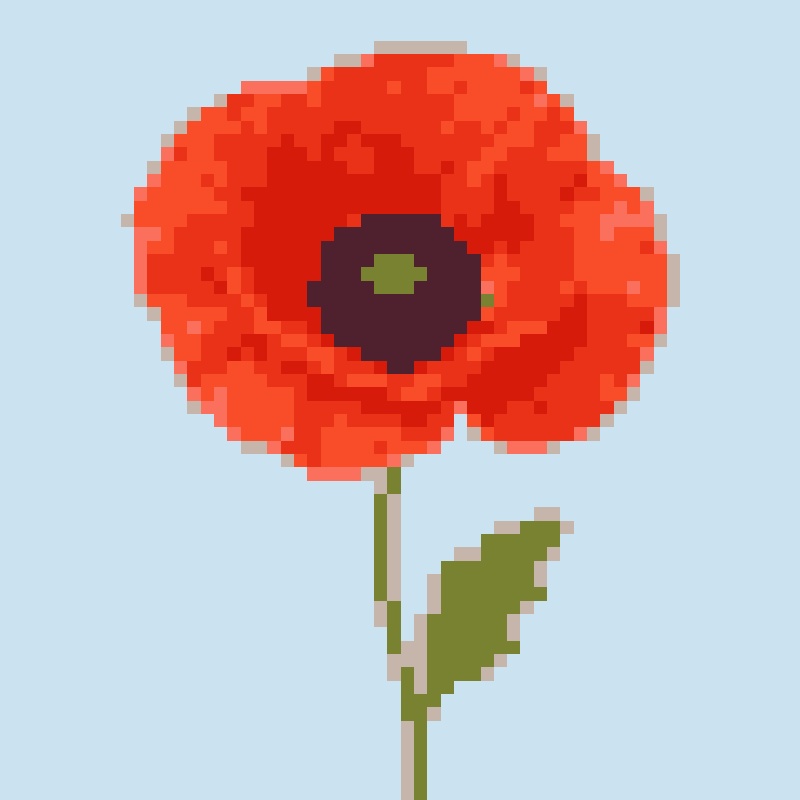
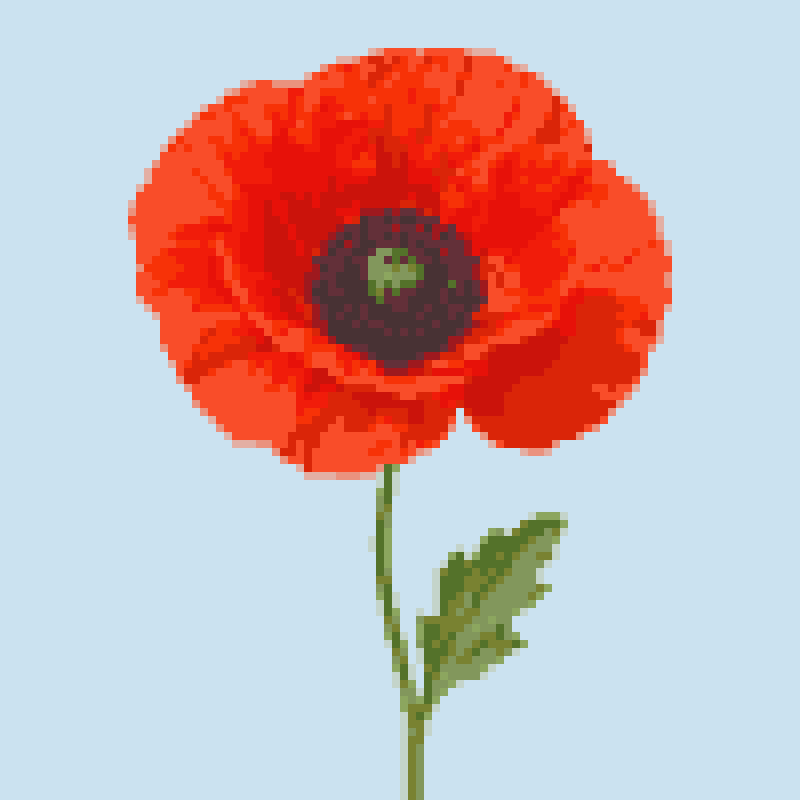
At 14-count Aida, 100 stitches measure about 7.14 inches (18.14 cm). That is the stitched design, before you add extra fabric for framing or finishing. A larger stitch count gives more room for detail and also means more stitching.
Make, inspect, then save
Choose your longest edge and color limit, create the pattern, and zoom in. Use the pencil for a few corrections or combine an unwanted color with a nearby one. Download a JSON backup before experimenting with a new conversion.
Sample method: wuquant-v1 · no dithering · local conversion. Examples demonstrate this converter’s output, not a comparison with other products.